
Description
Free Plugin Nexus Tool
Voice to Word
Free Python Dictation App
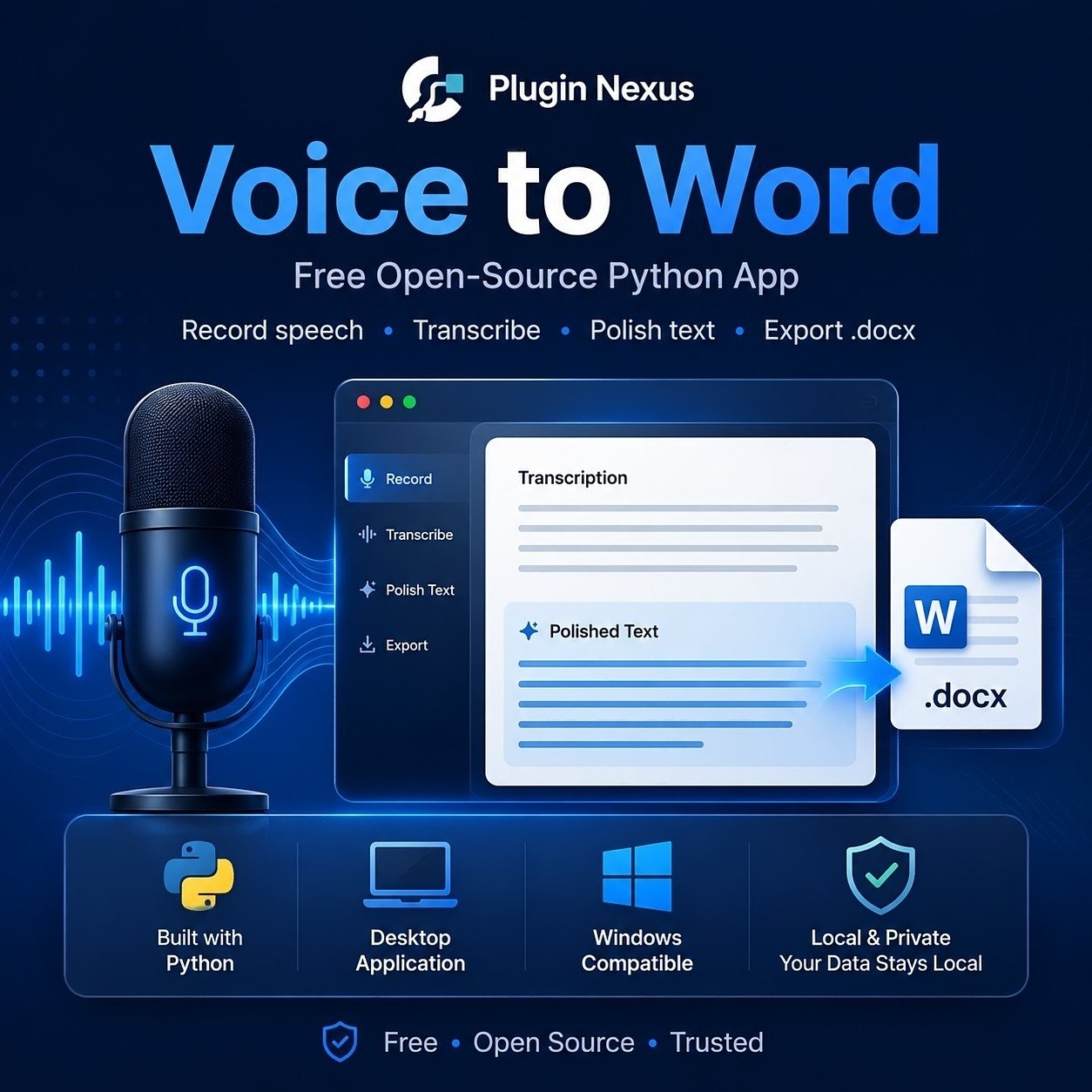
Voice to Word is a free local Windows-friendly Python app created by Plugin Nexus. It lets you record speech from your microphone, transcribe it using the OpenAI API, polish the text into cleaner document-style writing, copy the formatted text, or export a Microsoft Word compatible .docx file.
This tool is supplied as an open-source download so users can inspect the code before running it. A free Plugin Nexus account is required at checkout so the download can be added to your account area. What the app does
Voice to Word is designed for people who want a simple way to dictate notes, letters, articles, instructions or rough ideas and turn them into cleaner written text. The app runs locally on your computer, opens in your web browser, and uses your own OpenAI API key for transcription and document polishing.Record dictation
Record speech through your microphone directly from the local browser interface.Transcribe and polish
Convert spoken audio into text, then optionally polish it into a clearer document-style result.Export to Word
Create a Microsoft Word compatible.docx file or copy the formatted text into another application. What you need before downloading
This is a Python app, not a normal one-click Windows installer. Please check the requirements before downloading so you understand what is needed to run it.Windows PC
Designed for Windows 10 or Windows 11, with a working microphone and a modern browser such as Chrome or Edge.Python required
You need Python 3.11 or newer installed. When installing Python, make sure Add python.exe to PATH is ticked.OpenAI API key
The app uses your own OpenAI API key for transcription and document polishing. OpenAI API usage may create costs on your own OpenAI account.Python install note
If Python is not already installed, download it from the official Python website, run the installer, tick Add python.exe to PATH, then check it by opening Command Prompt and typingpython --version. How to run the app
After downloading, extract the zip file to a normal folder on your computer. Do not run it directly from inside the zip file.Extract the zip
Right-click the download, choose Extract All, and extract the app to a normal folder such as Documents.Start the app
Double-clickStart-Voice-To-Word.bat. The first run may install the required Python packages. Open the local page
Openhttp://127.0.0.1:5000 in Chrome or Edge. This is a local page running on your own computer. Important safety and responsibility notice
This free tool is provided as-is. Before running any downloaded software, you are responsible for checking it with your own antivirus and security tools and deciding whether it is safe for your computer. Where possible, test downloaded tools in a virtual machine, spare PC, or other isolated test environment before using them on a working or business computer. Plugin Nexus does not accept responsibility for data loss, system issues, security problems, compatibility issues, misuse, API costs, or any direct or indirect loss caused by downloading, installing, testing, running, modifying or using this tool. This app is open source so the code can be inspected before running. Users should still make their own decision about whether to download and run it.Privacy and API usage note
The app uses the OpenAI API for transcription and polishing. Do not dictate sensitive, private or confidential information unless you are comfortable with that content being sent to the OpenAI API through your own API account.Free download
Download Voice to Word
This is a free Plugin Nexus download. Add it to your basket for £0.00 and complete checkout with a free account so the download is saved to your Plugin Nexus account area. Requires Python Python 3.11 or newer is required to run this app.
Open source The code is included so users can inspect it before running.
Reviews
There are no reviews yet.