
Description
Campaigns and follow-ups
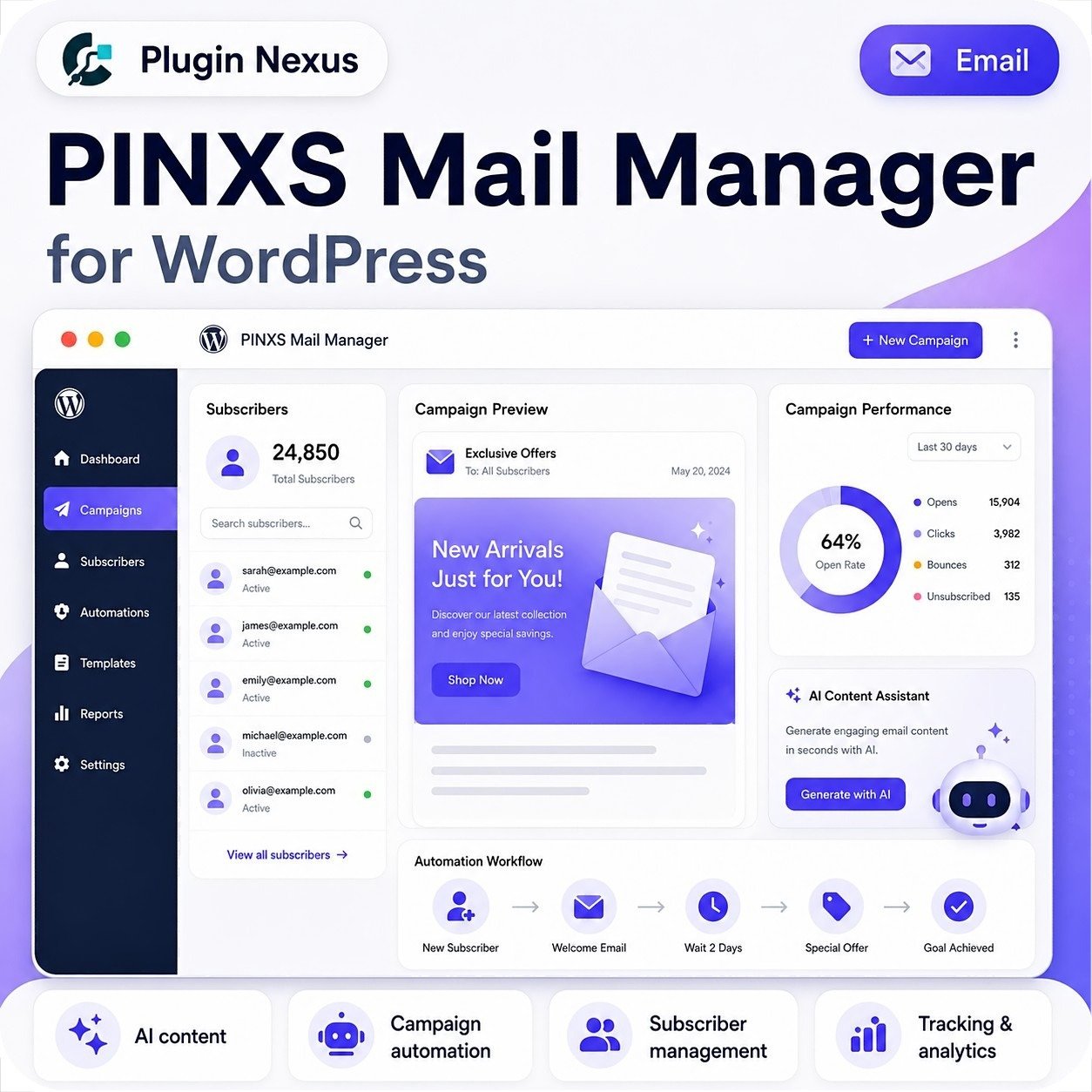
Create welcome emails, newsletters, promotions and scheduled follow-up messages for your subscribers.
AI-assisted writing
Generate draft email content for welcome messages, follow-ups, newsletters and promotional campaigns.
Track engagement
Monitor opens, clicks and campaign performance so you can see what your audience responds to.
How it works
Build and manage subscriber campaigns from your WordPress dashboard.
Why use Mail Manager?
Keep your email marketing workflow close to your WordPress site, products, subscribers and content.
Key features
AI email content generation
Generate draft welcome emails, follow-ups, newsletters and promotional messages.
Multiple AI providers
Connect supported AI providers such as OpenAI, DeepSeek or OpenRouter depending on your setup.
Campaign management
Create campaigns, build message sequences and manage active subscriber workflows.
Double opt-in verification
Confirm subscriber email addresses before they are fully added to your campaigns.
Custom subscription forms
Create form templates with custom fields, required fields and shortcode placement.
Subscriber management
Manage subscribers, campaign assignments, custom fields, statuses, imports and exports.
Open and click tracking
Track email opens, link clicks and campaign engagement from the WordPress dashboard.
Unsubscribe handling
Support campaign unsubscribe links and subscriber status updates.
Who is it for?
WooCommerce stores
Send product updates, customer newsletters, promotional messages and follow-up campaigns.
Bloggers & publishers
Build a subscriber list and send updates when you publish new content.
Course creators
Send welcome sequences, lesson reminders, training updates and student follow-ups.
Agencies
Add campaign and subscriber management to client WordPress websites.
Startups & SaaS
Keep users informed about product updates, feature releases and onboarding steps.
Plugin developers
Send update notices, launch messages, documentation links and customer education emails.
Marketers
Build opt-in forms, test campaign messages and track subscriber engagement.
Business websites
Stay in touch with leads, customers, members and website subscribers.
Perfect for WordPress email workflows
Use Mail Manager to connect forms, subscribers, campaign messages, email scheduling and engagement tracking inside your WordPress admin area.
Subscriber control
Use double opt-in, status management, unsubscribe links and campaign assignment tools to keep your list organised.
Shortcode forms
Place campaign signup forms anywhere your WordPress theme or page builder accepts shortcode content.
Choose your license
Choose the license that fits the number of WordPress sites you want to activate. Each licence includes plugin access, updates and lifetime support.
Ideal for one WordPress website, blog, shop or business site.
A good fit for freelancers, small teams or multiple owned websites.
Best for agencies, developers and businesses managing several client sites.
Frequently asked questions
PINXS Mail Manager is designed for WordPress-based campaigns, opt-in forms, subscriber management and automated message sequences. Larger sending requirements may still depend on your hosting and email delivery setup.
Yes. The plugin includes AI-assisted content generation for common campaign message types such as welcome emails, follow-ups, newsletters and promotions.
Yes. Campaign forms can use double opt-in verification so subscribers confirm their email before being added to the campaign.
Yes. Subscriber management includes CSV import/export tools, campaign mapping and status management.
Create a campaign form template, then place it on a page, post or landing page using the campaign form shortcode.
Run smarter email campaigns from WordPress
Build subscriber forms, create automated campaigns, generate AI-assisted email content and track engagement directly from your WordPress dashboard with PINXS Mail Manager.

Reviews
There are no reviews yet.